Build a 3D molecule from SMILES
Paste a SMILES string into Stereochem to build, inspect, and export a 3D molecular structure, and learn what to verify in the result.
Paste line notation into Stereochem to create a structure you can rotate, inspect, edit, and save. The conversion runs in your browser using RDKit and the Avogadro chemistry core.
Convert SMILES to 3D
- Open the Molecule workspace.
- Paste a single SMILES line into the SMILES field near the top of the page and press Enter. On a narrow screen, use Import to paste it instead.
- Wait for the structure to build. Stereochem opens the result in the 3D view.
- Rotate the model to inspect atoms, bonds, and overall shape. If needed, use Optimize geometry to continue relaxation.
- Choose Export to save a chemical structure file or Export image for PNG or SVG.
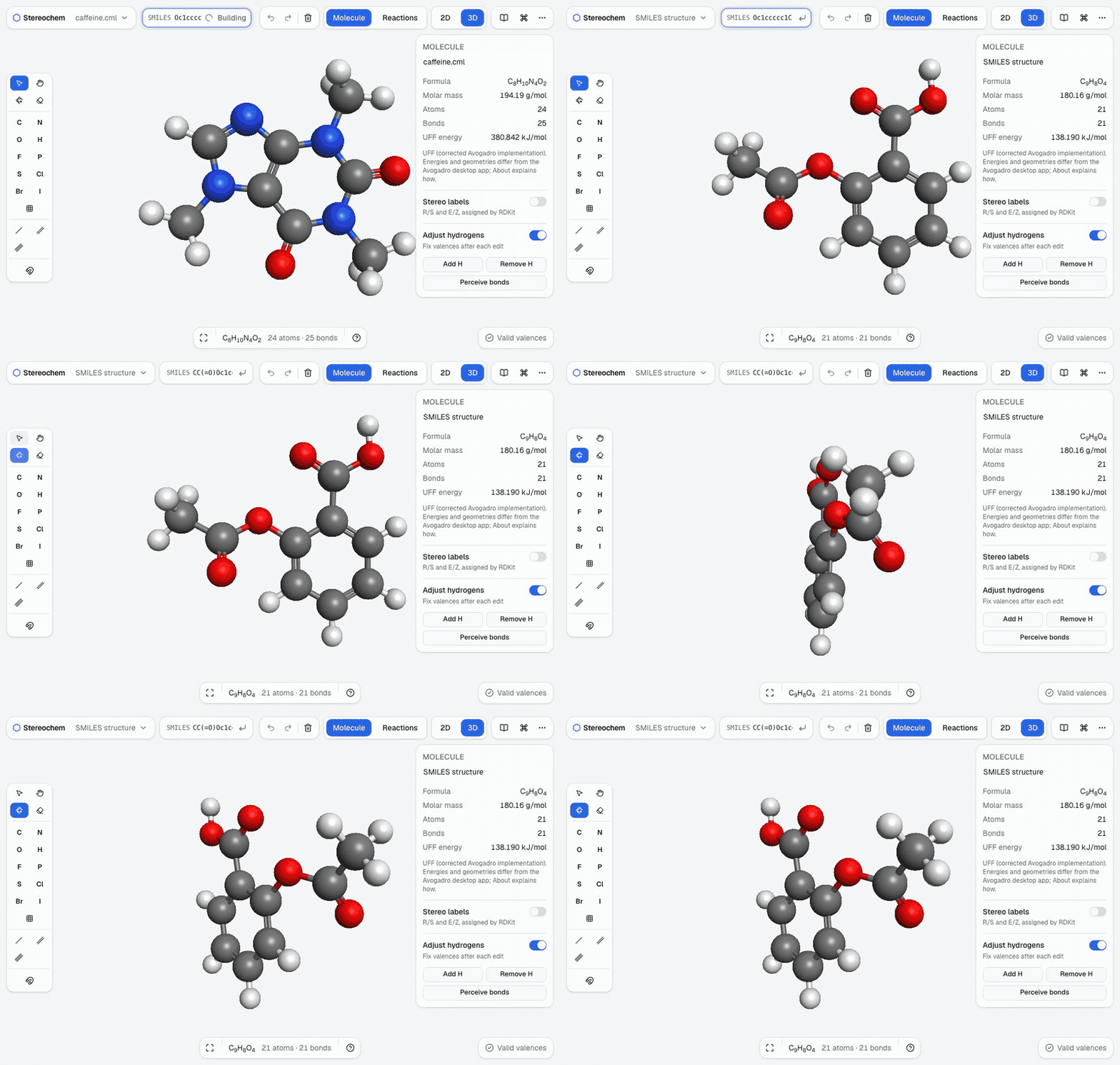
For example, CCO represents ethanol. A .smi file can include a single SMILES followed by a name on the same line.
How the model is built
RDKit parses the SMILES, adds hydrogens, and makes an initial layout. Stereochem tries multiple starting arrangements and relaxes them with its corrected Universal Force Field implementation. When the SMILES specifies stereochemistry, the builder checks whether the generated 3D structure retains the specified labels and warns if it does not.
The builder has a limit of 400 atoms including hydrogens. For a larger structure, or when the force field cannot type it, try fetching an existing structure by compound name from PubChem or importing a prepared 3D file.
Check the result
- Specified stereochemistry: inspect stereocentres and double bonds, especially if the app warns that the result differs from the input.
- Geometry: an optimized conformer is one possible arrangement, not proof that it is the only or lowest-energy structure.
- Input validity: text that resembles SMILES may still be rejected by the chemistry parser. Correct the string and try again.
- Force-field coverage: some elements, charges, or bonding patterns may not be supported by UFF. The starting layout may remain unrelaxed.
Generated coordinates are useful for drawing and exploration. Verify structures independently before relying on them for scientific conclusions.
Other ways to start
Use Import for formats such as MOL, SDF, XYZ, PDB, CML, or CJSON. If you know a compound name, use Fetch from PubChem. Stereochem asks PubChem for a 3D record and falls back to a 2D depiction when necessary. See File formats for import details and Draw and edit molecules for the rest of the editor.